 By Vova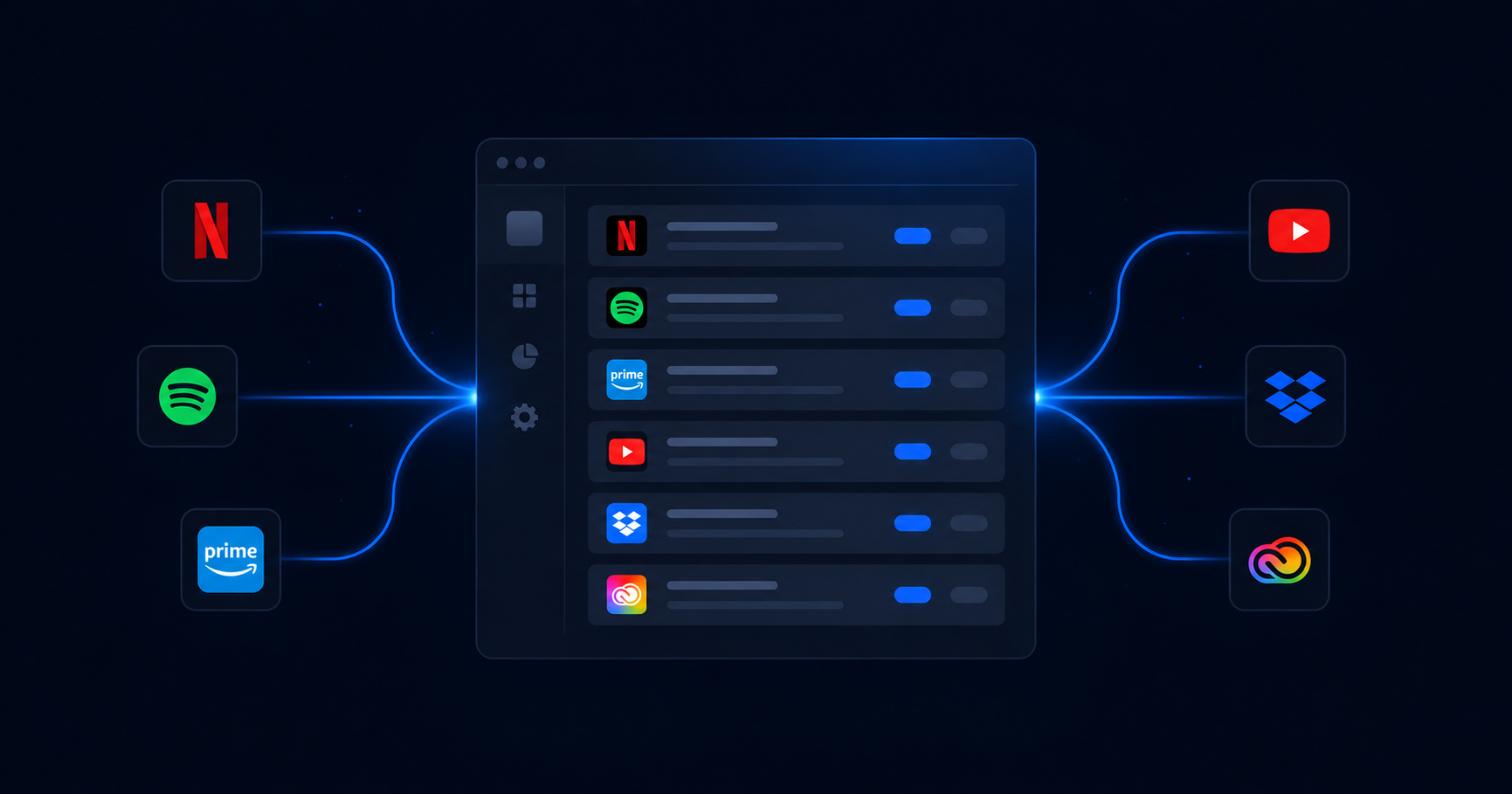
Most people have a rough sense of what they subscribe to. Netflix, Spotify, maybe a gym membership. But when they actually sit down and trace every recurring charge hitting their accounts, the real number almost always comes as a surprise.
The problem isn’t that people are reckless with money — it’s that subscriptions are designed to be frictionless. Signing up takes seconds. Canceling requires deliberate action. And renewing happens automatically, whether you notice or not.
If you’ve never done a full subscription audit, here’s a practical guide to finding every recurring charge before it becomes a habit you didn’t choose.
Start With Your Bank and Credit Card Statements
This is the most reliable source because it captures everything that’s actually being charged — regardless of whether you remember signing up. Go back at least three months and look for recurring amounts from the same vendors.
Pay attention to amounts that end in .99 or .00 and repeat at the same interval. Some subscriptions bill annually, so you may need to look back further to catch those. Make a list as you go: vendor name, amount, billing date, and whether you actually use the service.
Don’t skip charges that feel too small to matter. A $2.99 charge that renews every month is $36 a year. Multiply that by a handful of forgotten apps and you’re looking at real money.
Search Your Email for Billing Keywords
Your inbox is essentially a paper trail for every subscription you’ve ever signed up for. Search for terms like “receipt,” “billing,” “subscription confirmed,” “payment successful,” and “auto-renewal.” Also try searching the names of services you vaguely remember using at some point.
Sort results by sender to group charges from the same provider together. You might find subscriptions you’d completely forgotten existed — and in some cases, subscriptions you thought you’d already canceled.
Check Your Phone’s App Store Subscriptions
Both Apple and Google have built-in subscription managers that most people never look at. On an iPhone, go to Settings, tap your name, then Subscriptions. On Android, open the Google Play Store, go to your account menu, and look for Subscriptions.
These lists only show subscriptions tied to that specific app store account. If you’ve ever paid for something through a different method — a website, a different device, a different Apple ID — it won’t appear here. But it’s a useful starting point.
Check PayPal and Other Payment Platforms
If you use PayPal, Venmo, or similar services, log in and look for active billing agreements or recurring payments. Many subscriptions allow payment through these platforms, and they maintain their own records of active authorizations.
PayPal, in particular, has a section where you can review all merchants who have automatic payment permission set up. It’s worth reviewing this list and revoking access for any services you no longer use.
Review Your Physical Subscriptions Too
Digital subscriptions get most of the attention, but physical ones sneak up on people just as easily — magazine deliveries, subscription boxes, coffee clubs, and similar services. Check your mailbox habits and think back on any physical subscription you’ve ever signed up for.
The Easier Approach
Doing this manually is completely possible, but it takes time and it’s easy to miss things. Services that span multiple payment methods, inboxes, or years in the past are particularly hard to track down on your own.
That’s the gap that Subdelete fills. Rather than cross-referencing statements, digging through emails, and checking three different app stores, you get a unified view of your active subscriptions — and the ability to cancel anything you don’t want with a single click.
However you approach it, the goal is the same: a clear, honest picture of what you’re paying for. Once you have that, the decisions about what to keep and what to cut become much simpler.